Email notifications

Cut meaningless notifications and get only the important reports
to your inbox according to your schedule.
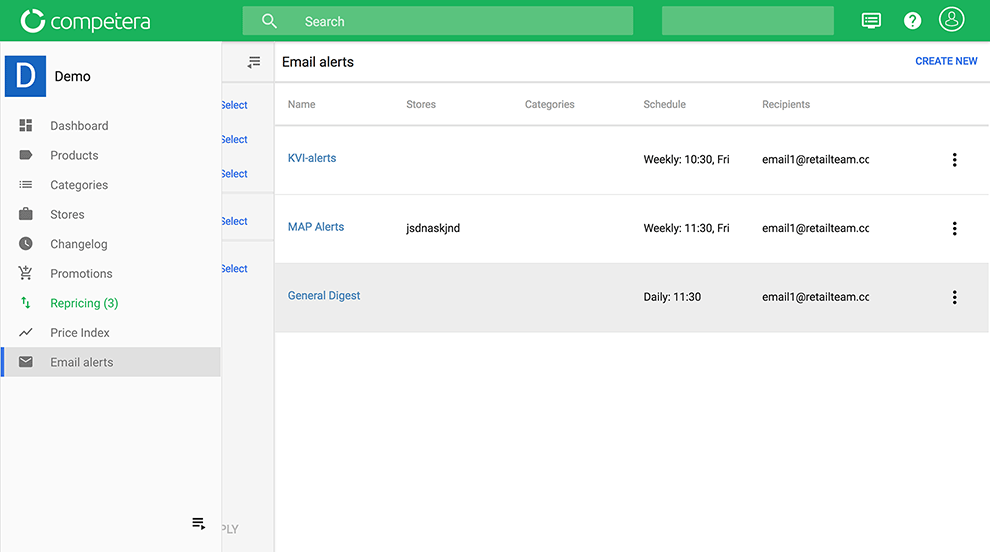
Market Test

general-alerts

There are four types
of notifications for effective work

digest-alert
 

Digest Notifications

digest-alert
 

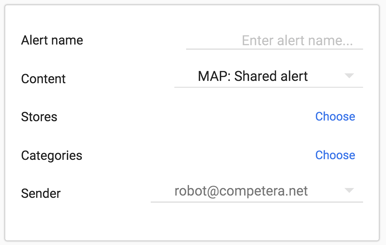
MAP: Shared Alert

digest-alert
 

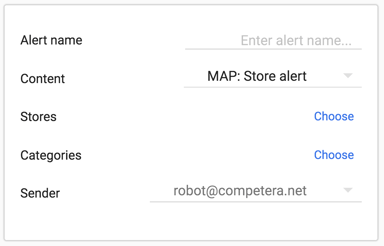
MAP: Store Alert

digest-alert
 

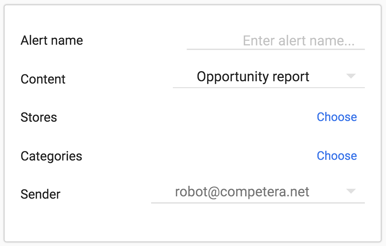
Opportunity Report

To create a new notification,
follow three simple steps

1

step1

Select “E-mail Alerts” from menu
options and click “Create new”

2
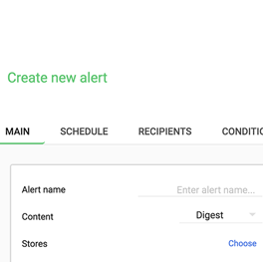
step1

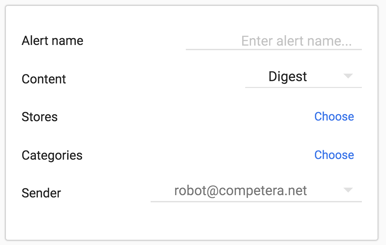
Adjust alert
settings

3

step1

Click
“Create”

Customize notifications your way

Notifications can be flexibly configured for several parameters:
schedule, recipients and additional conditions

time

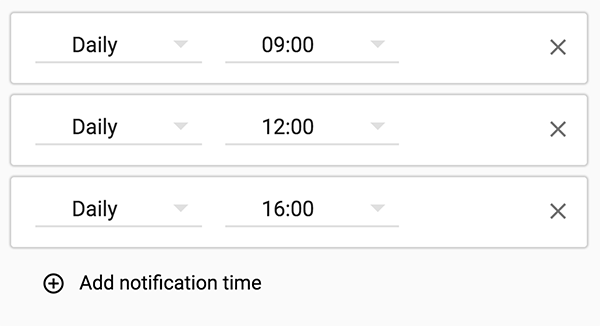
Schedule

Daily, once a week or every hour? There are no restrictions: just set the schedule for the notifications you need.

Even if you plan to work on the weekend ;)

Recipients

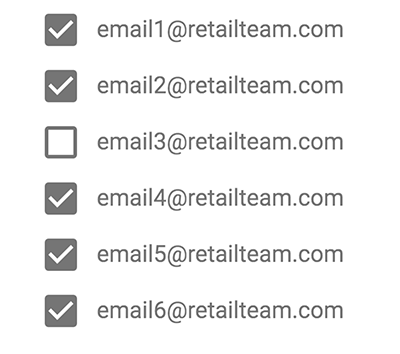
DYour colleagues will be grateful for the personalized notifications on their categories, brands or key products.

Just select the desired recipients for important notifications!

recipients
conditions

Opportunities

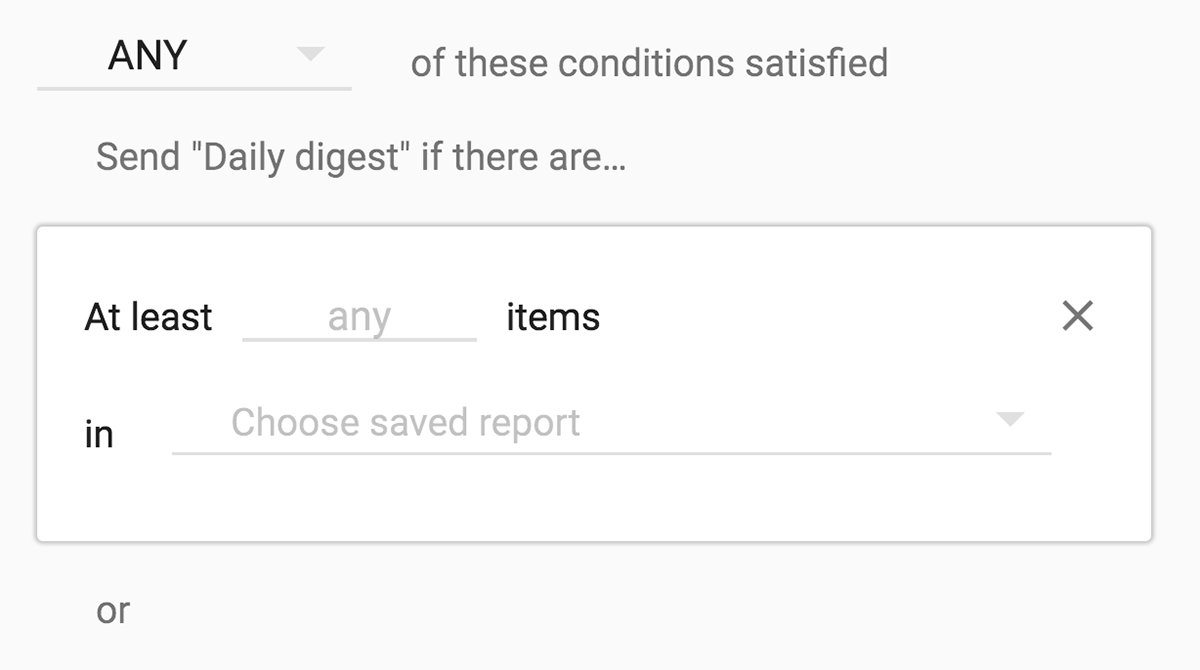
Notifications can be sent to recipients only if certain conditions are met.

New activities in the market? → Notification
Competitor out of stock? → Notification
The average price for the KVI-position on the market declined? → Yep, another one

Get notifications that are important to you, your team, or partners.

Additional flexibility for comfortable work

role-distribution

Role Distribution

The administrator of the dashboard sees all notifications. Managers only see the ones that they created.

email-branding

Email branding

The user can create a branded HTML-template alert and our customer success team will set it as a default.

more-confidence

More confidence

The default sender is robot@competera.net, but it can be changed to any user-selected email address.

fexible-conditions

Flexible conditions

Conditions for sending (new events on the market, deviations of KVI-positions, etc.) can be easily adjusted by the user through a few mouse clicks.

Save time on routine tasks!

Proactive Competera notifications were created to ensure that the retailer effectively works
with new market opportunities and interacts with partners.
To see live email alerts, press a button below and request a demo.